NEW IN VERSION 6
Reimagined from the ground up.
A completely new experience. All the power you've come to love.
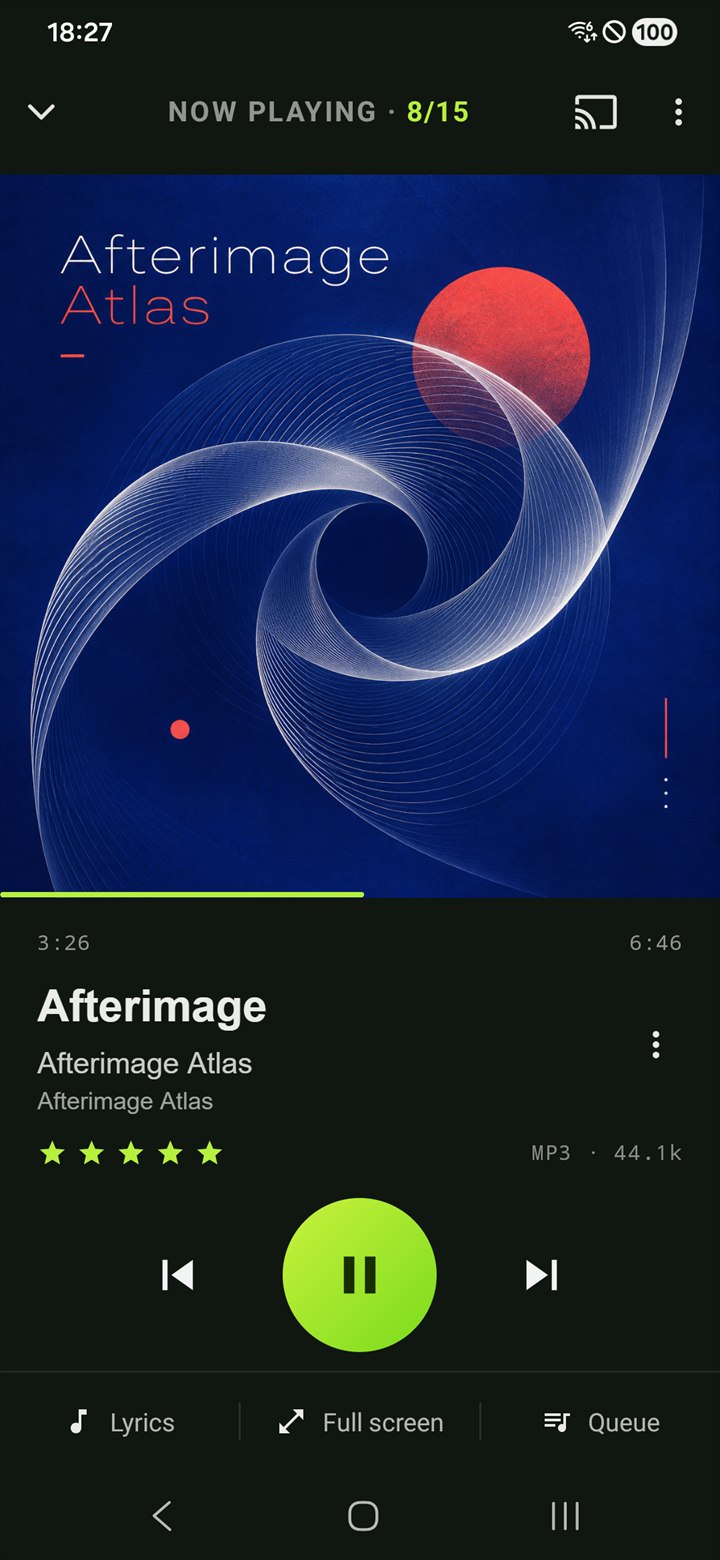


LIBRARY
Your entire music world,
beautifully organized.
Every album, every artist, every track. Right where you want them.
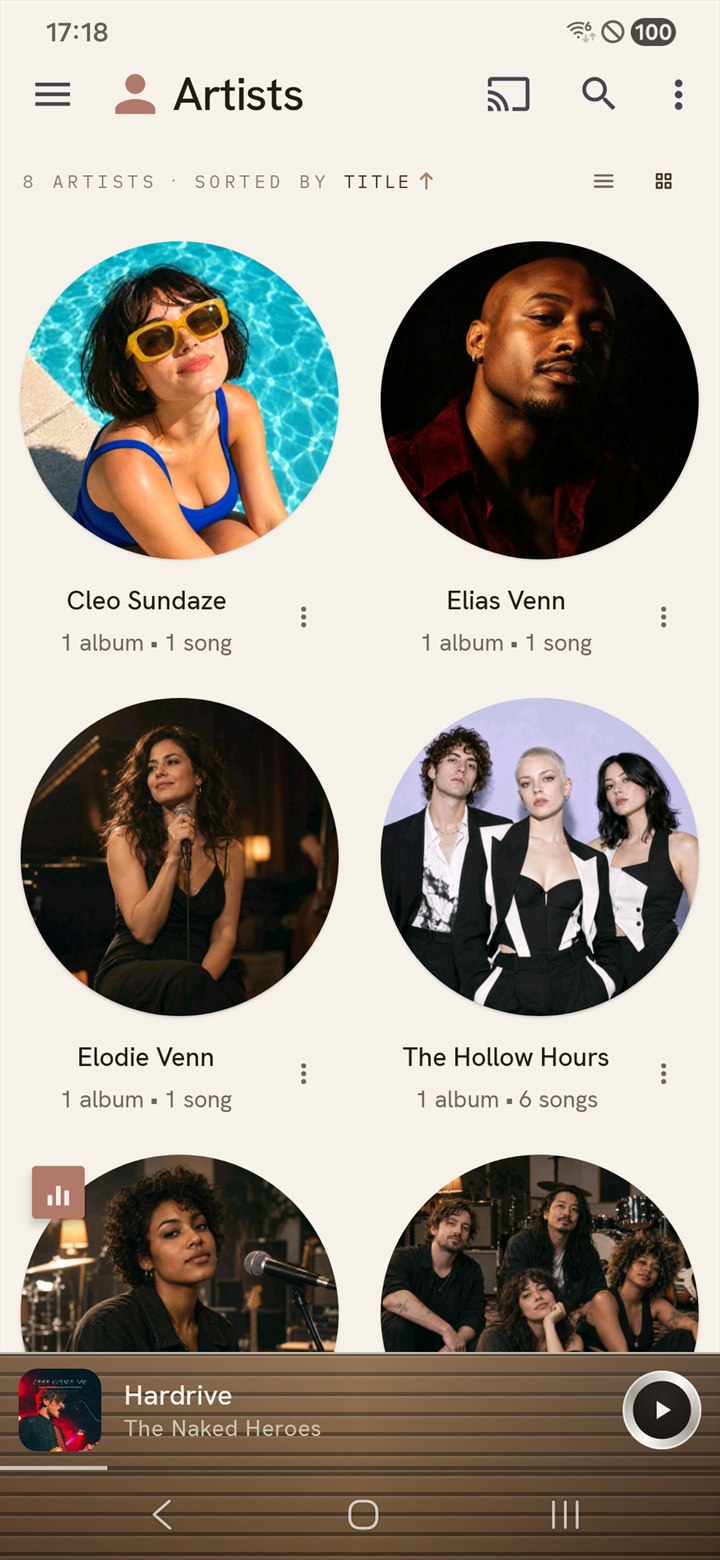
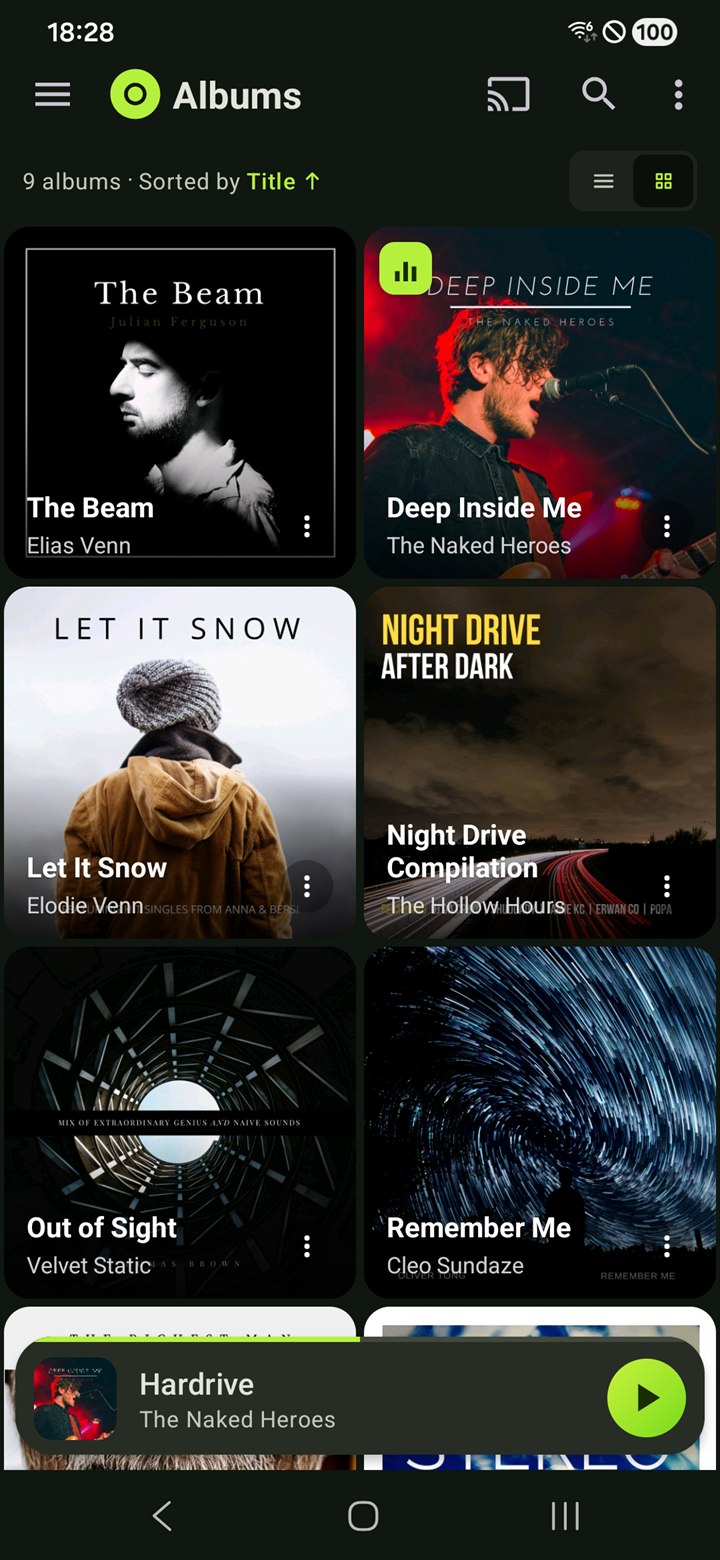
Browse your way
Explore your collection by albums, artists, album artists, composers, genres, playlists, folders, songs, videos, and radio stations, in grid or list view.
Smart playlists
Create dynamic playlists using 15 customizable criteria, from genre and year to rating, play count, and file path.
Advanced tag editing
Edit individual tracks or entire collections, with support for up to 15 tag fields, including ratings, groupings, and BPM.
MP3, MP4, Ogg Vorbis, FLAC, WAV, AIFF, DSF, WMA, Opus and Speex
Find anything, instantly
Library-wide search, voice search, and Google Assistant support.
Your folders. Your library.
Choose exactly which music folders belong in your collection.


SOUND
Great music deserves
great sound.
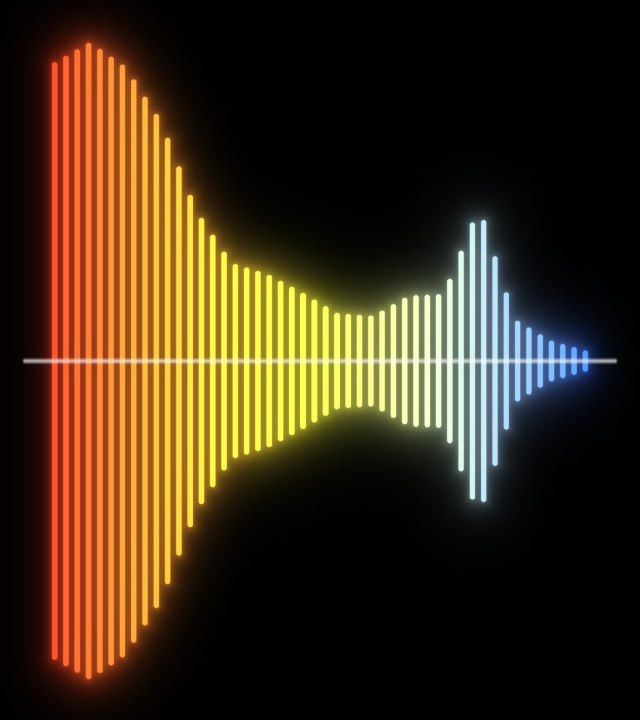
Fine-tune every frequency. Shape your sound, your way.
Built-in mixable audio effects
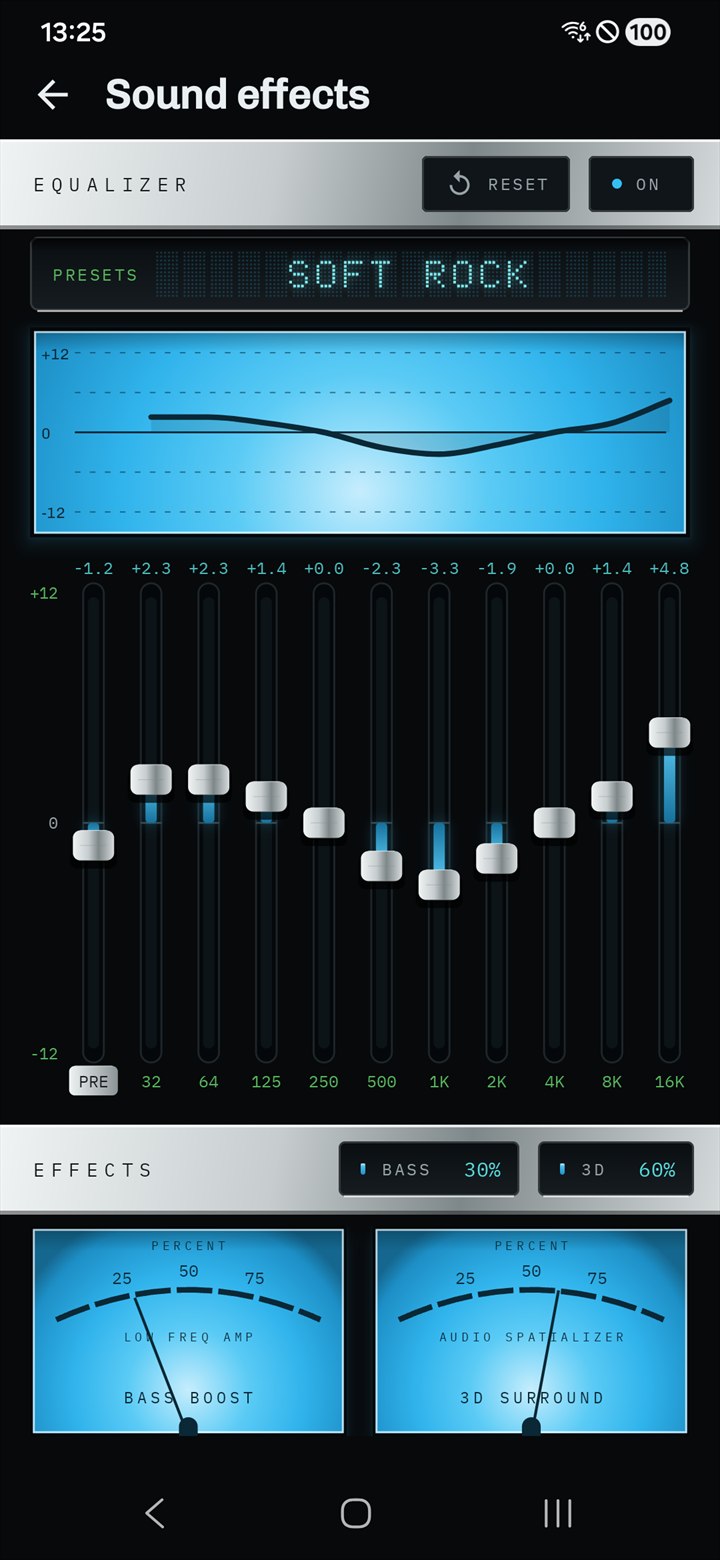
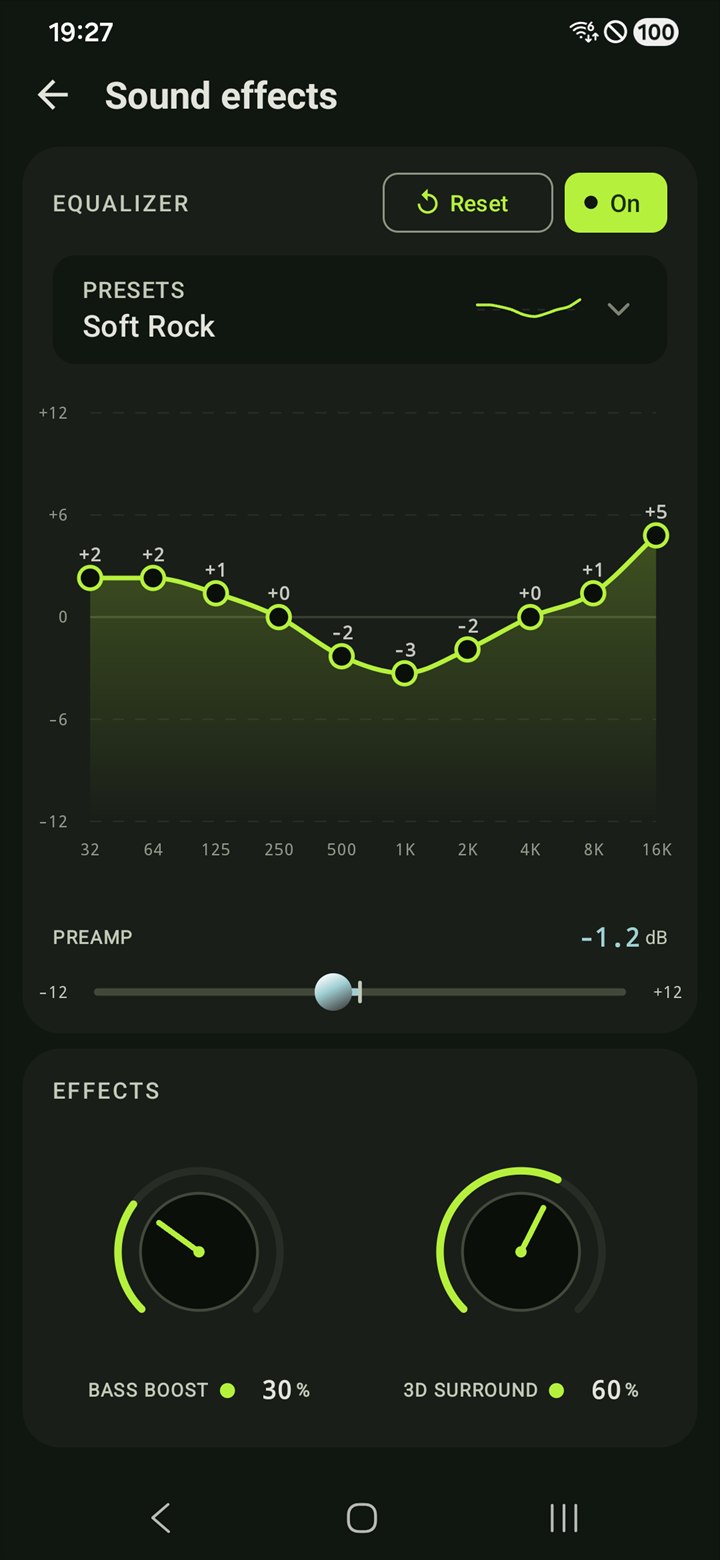
5-band graphic equalizer with 15 presets, stereo widening, bass boost and volume control.
Reverb
Large and medium hall, small, medium and large room.
A different equalizer with every skin
From modern digital curves to analog-inspired meters and rotary controls. More than a new look — a whole new way to shape your sound.
FREE DSP PACK
Take your sound even further.
Hi-Res audio · 10-band equalizer · Gapless playback · Crossfade
Explore the DSP Pack →
How to install and apply a skin
01Install a skin from Google PlayIt works with PlayerPro or the free PlayerPro Trial, version 6.0 or later, on Android 11 or later.
02Select your skinOpen Settings › Look and feel › Select skin. Tap the skin in the Skins grid.
03Apply as day, or as nightUse one skin by day and another after dark. Tap Variants to switch colours.
SKINS
30+ skins.
Make it yours.
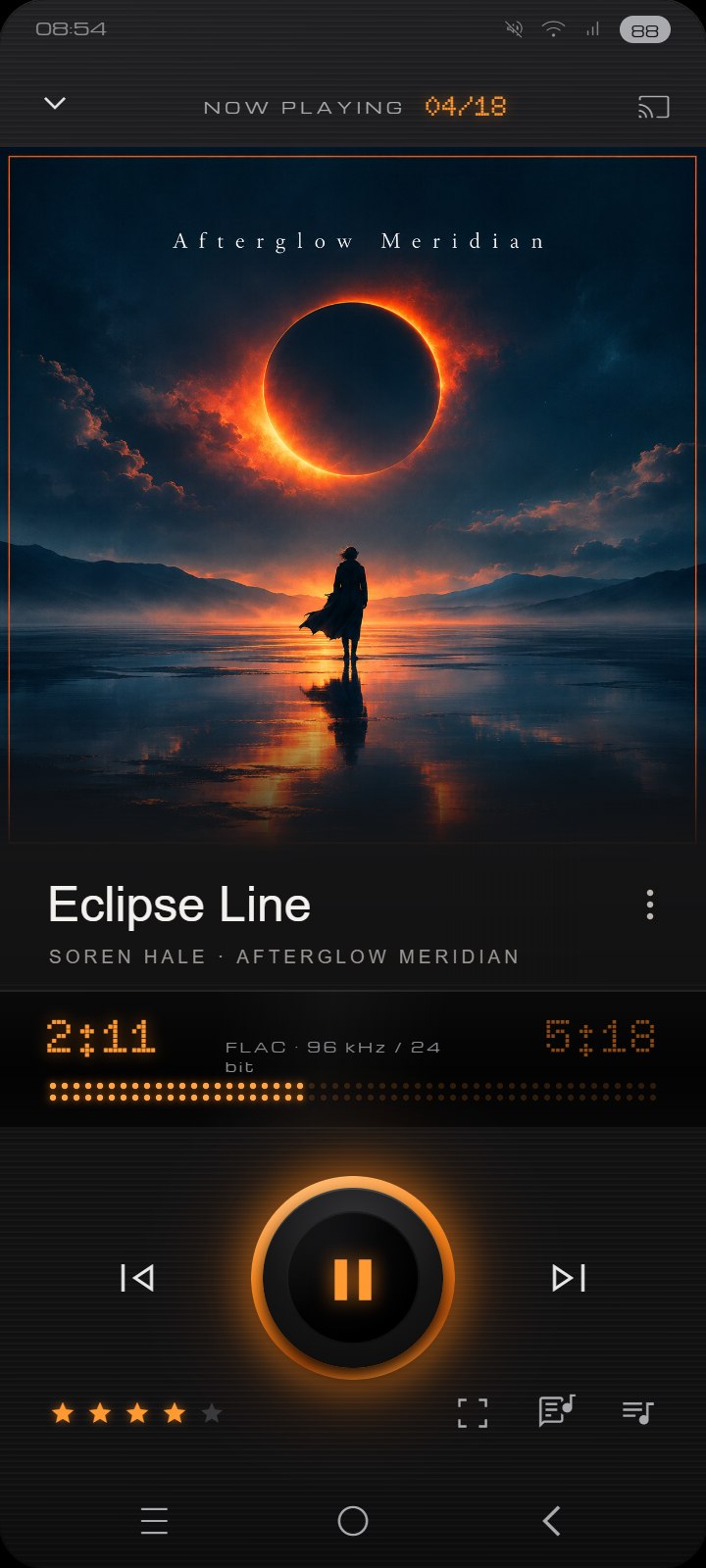
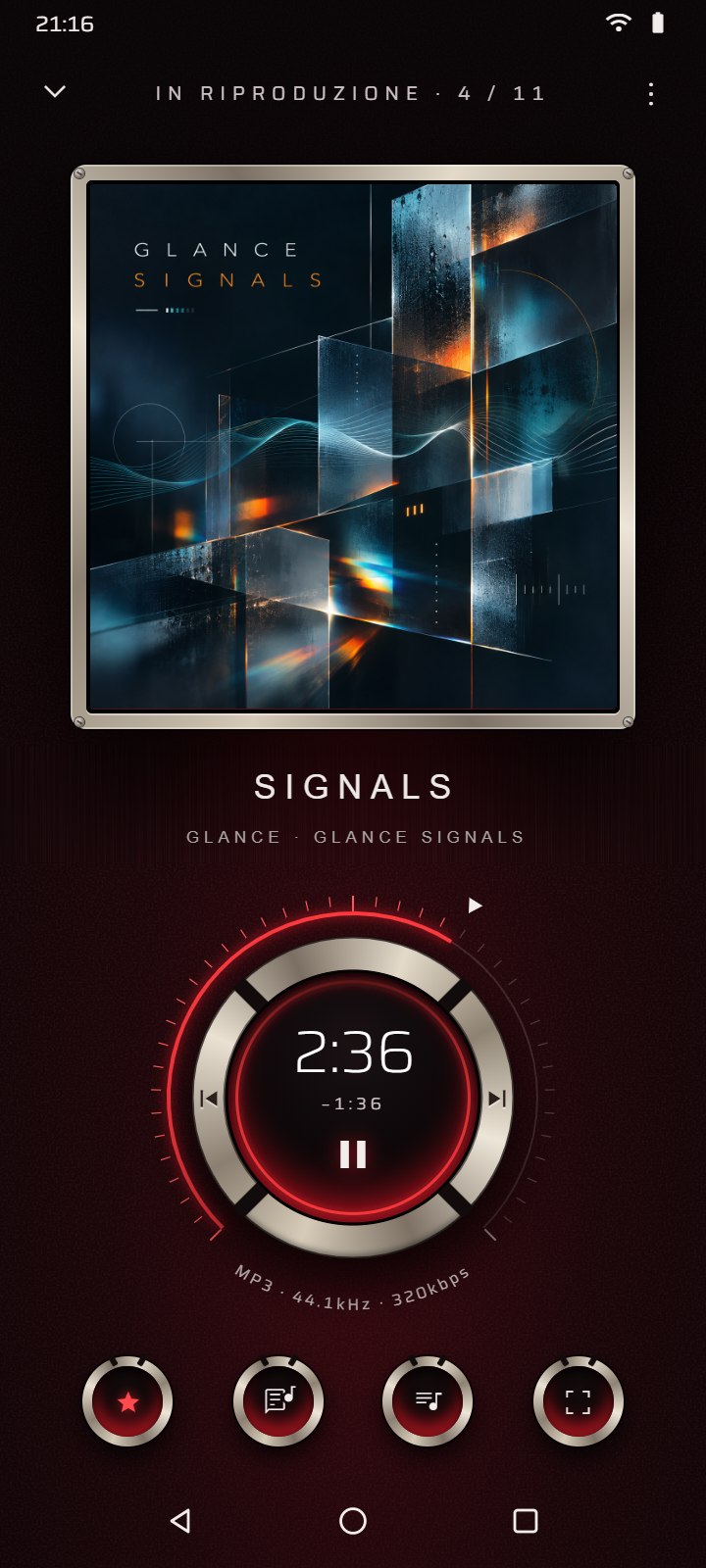
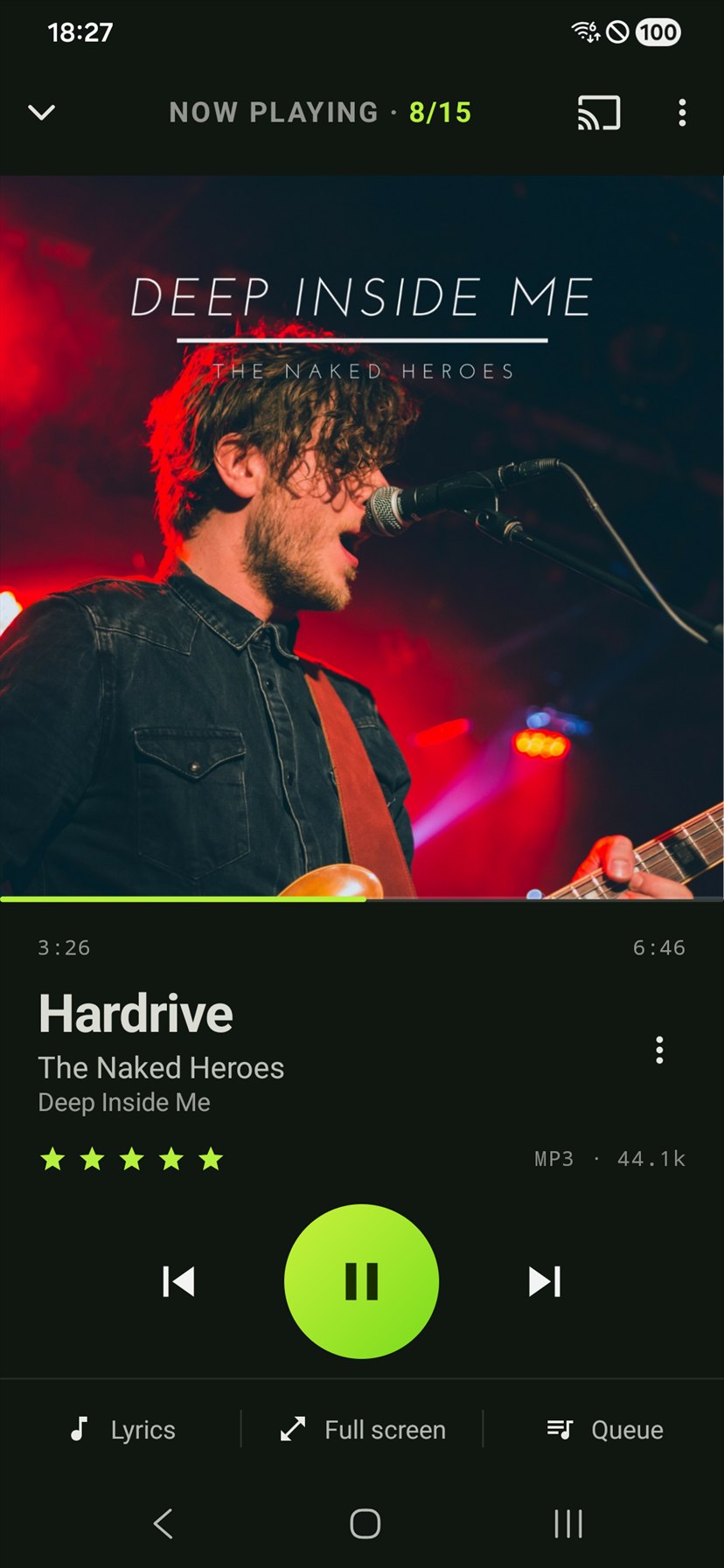
More than a new look. Every skin transforms your entire PlayerPro experience — from the player and equalizer to menus, artwork, and controls.
{{ skinCur.name }}
{{ skinMeta }}
EXPLORE THIS SKIN
Get {{ skinCur.name }} on Google Play
{{ skinCounter }}
{{ skinPageLabel }}
BEYOND MUSIC
More than music.
Watch your favourite videos and discover radio stations from around the world. All in PlayerPro.


EVERYWHERE YOU LISTEN
Your music goes wherever you go.
From your car to your living room, enjoy PlayerPro beyond your phone.
Android Auto
Listen to your music while driving.
Chromecast
Stream your music, videos and radios to your TV or speakers.
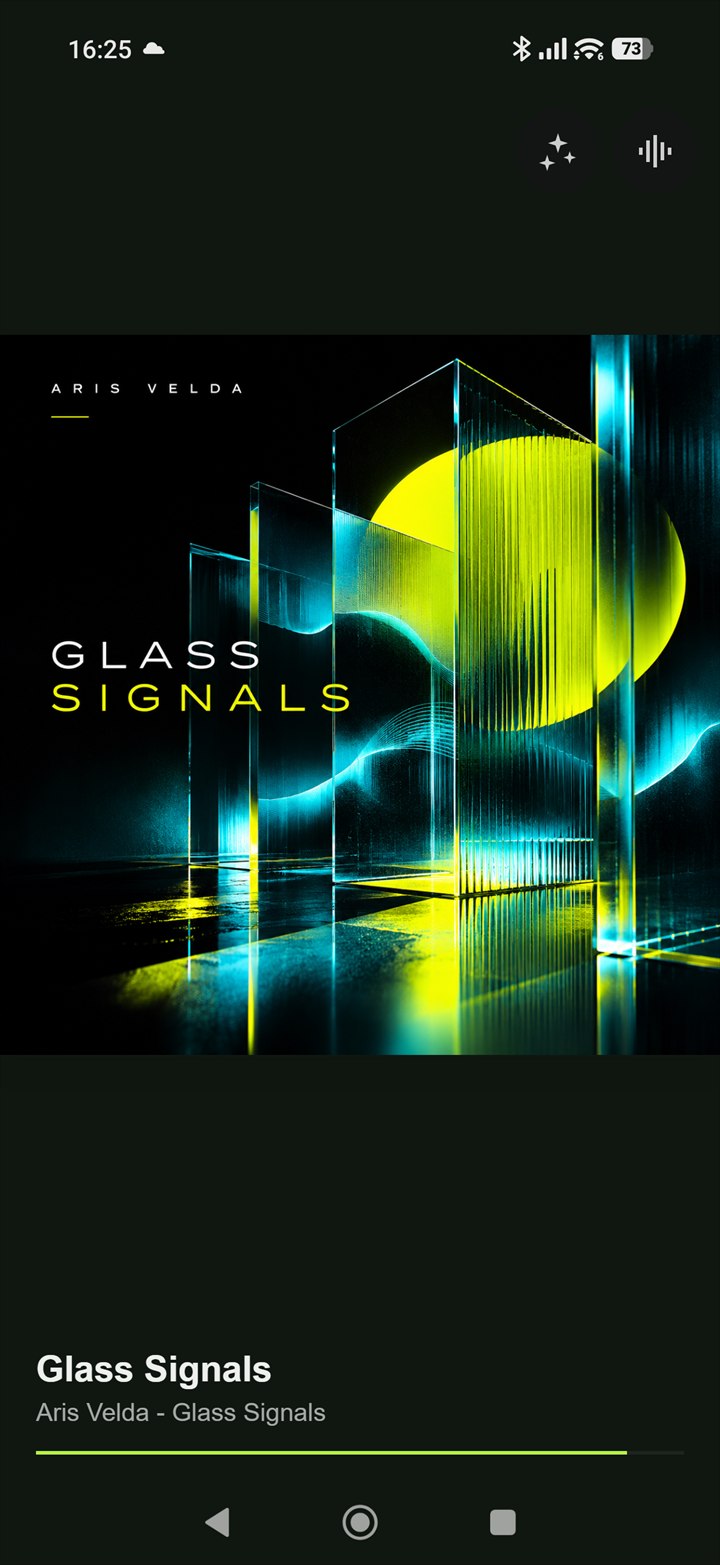
Lock screen player
With the new Now Playing design.
5 home screen widgets
2x2, 3x3, 4x4, 4x1 and 5x2, with colours that follow your wallpaper, the album cover, your skin, or your own choice.
THE LITTLE THINGS THAT MATTER
And so much more.
Thoughtful features that make every listening experience better.
Google Drive backup
Automatically back up your playlists, music stats and settings.
Music statistics
Recently added, top rated, most, recently and least played.
Import and export
Bring your music history and ratings from your favourite desktop player.
Scrobbling
Supports most popular scrobblers.
Sleep timer
With fade out.
Headset support
Customize long press and double or triple press actions.
Swipe gestures
Swipe the artwork to change songs, swipe down to close the player.
Shake it
Give your phone a shake to play the next or previous song.

Your music deserves more.
Experience the new PlayerPro. Discover a whole new way to enjoy your music.
4.6★★★★★
38M+ downloads
200K+ reviews
PlayerPro Music Player (Pro) is a standalone app. Uninstall the free version if you installed it before.